
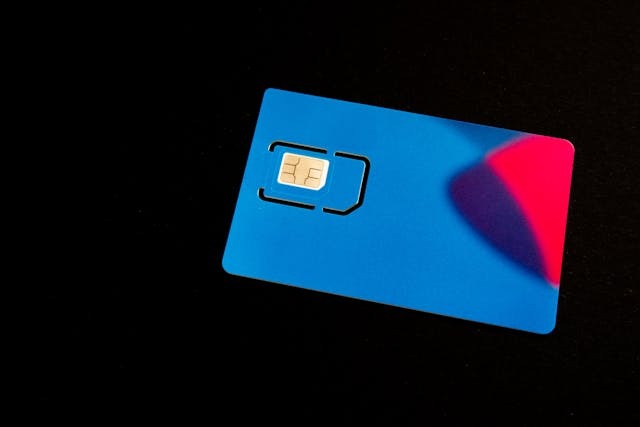
Are you trying to find your SIM card number on your Android? In this guide, I will show you how to find the SIM card number on your Android. There are typically two ways to find it: on the SIM card itself and in your Android settings.
What Is a SIM Card Number on Android?
Your Android SIM card number, called the ICCID (Integrated Circuit Card Identifier), is an identifier containing 19 or 20 digits that is unique to your SIM card.
This number is not the same as your phone number. Unlike your phone number, it is unique to the physical SIM card. If you replace your SIM card, the new ICCID will be different, even if your phone number remains the same. eSIMs have a similar identifier called the EID, or Embedded Identity Document.
You usually need this number when activating a SIM card that you order in the mail. In addition, you may need it for future purposes as well, such as swapping devices, porting numbers to new carriers, and more.
How to Find the SIM Card Number on the Physical SIM Card
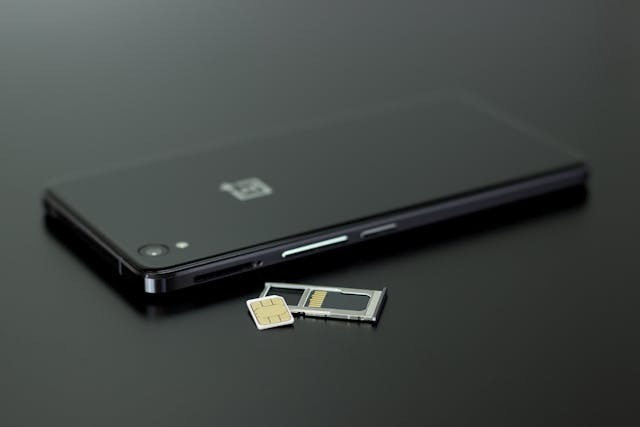
The SIM card number is usually printed on the SIM card itself, both on the credit-card-sized card it comes in and on the small SIM card itself (the one you insert into your phone).
On most phones, you can remove the SIM card by using a pin to open the SIM card slot and check the SIM card. However, if the SIM card is old and the number is worn out, or if you can’t remove your SIM card for whatever reason, read on to learn how to locate the SIM number not physically but through software.
How to Find Your SIM Card Number in Android Settings
On most phones, the easiest way to find your SIM card number and check the ICCID on Android is to dial *#06# on your dialpad in the phone app. This should bring up several numbers, including the IMEI, the ICCID, and other numbers. Look for the number labeled ICCID.
If that doesn’t work, you may be able to find the ICCID number in the phone settings. Open Settings and scroll down to About Phone. In the About Phone section, click on Status and look for SIM Status. The ICCID number may be listed there on some models.
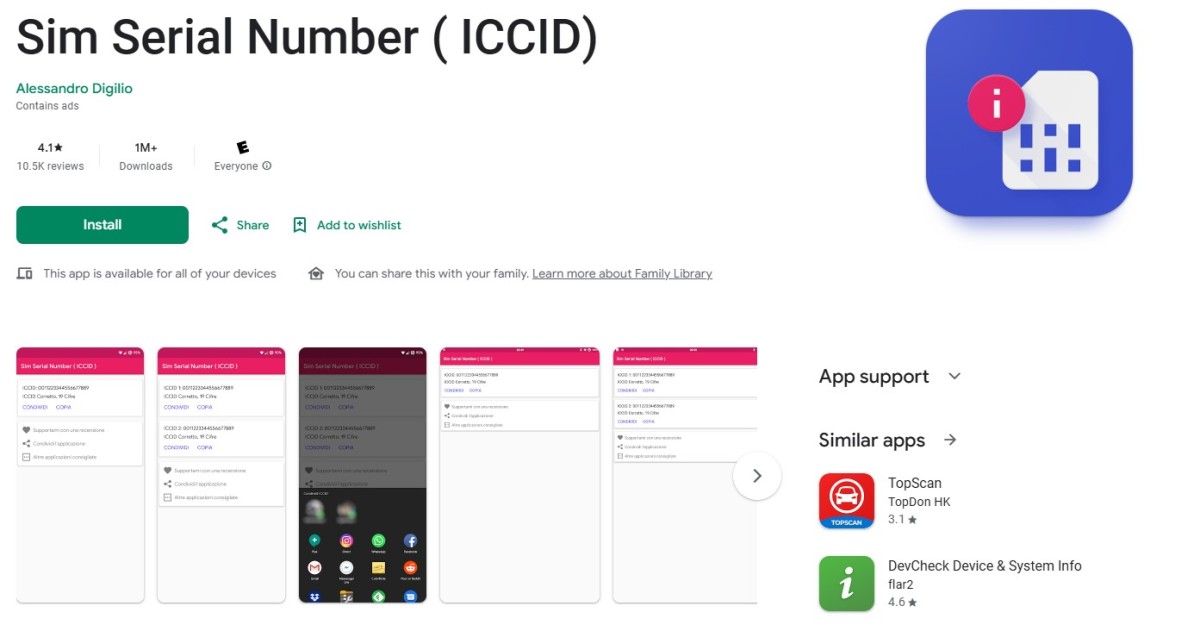
Finally, if that doesn’t work, try using the Sim Serial Number app. Download it from the Play Store here. Once it’s installed, open it to view the ICCID and copy it to your clipboard, if needed.
Where to Find the SIM Card Number on Samsung Phones
On most Samsung phones, you can find the SIM card number by going to Settings > About Phone > Status Information > SIM Card Status. You can also try navigating to Settings > Connections > SIM Manager and tapping on your SIM or eSIM, as the number will be shown there on some Samsung devices.
Alternatively, dial *#06# or use the Sim Serial Number app, as explained earlier.
SIM Card Number vs. Phone Number vs. IMEI: What’s the Difference?
Your phone number remains the same regardless of which SIM card you use. If you replace your SIM card or switch to an eSIM but remain with your line, your phone number will stay the same. It is the number that people use to call you.
The SIM card number is what is used to identify the physical SIM itself. If you replace the SIM card, you will get a new SIM card number, even if your phone number remains the same.
Finally, the IMEI is a number that identifies your phone’s hardware. If your phone has two SIM card slots, it will have two IMEIs, but it is still tied to the physical device. It doesn’t change if you replace your SIM card or even if you change your phone number. That’s why it’s used by carriers to blacklist phones and by law enforcement to track phones, as the IMEI number is revealed to the carriers when the phone connects to cellular towers.
What to Do if You Cannot Find the SIM Card Number
If you can’t find the SIM card number, check the original packaging, if you still have it. It may be printed there. Otherwise, contact your carrier. They may be able to locate your SIM card number, especially if you are using an eSIM. If you have a physical SIM, though, they often will not be able to provide it.
Conclusion
I hope this Android SIM card guide helped you find your ICCID easily! Most of the time, you won’t need your ICCID once you activate the SIM card. However, in certain scenarios, it may be necessary, so it’s worth holding on to it or knowing how to find it if you need to.
Related posts:
 Unlocking the Mystery of Your iPhone’s ICCID Number
 How Do I Activate A New SIM Card For AT&T?
 Benefits of iPhone 11 with its Unique ICCID Number
 What Is Apple Watch IMEI ?
 How To Remove Iphone Sim Card
 How To Quickly and Easily Remove Your SIM Card From Your iPhone 7!
 Activate Your iPhone’s Sim Card in Just a Few Easy Steps
 How to Troubleshoot ‘No SIM’ Error On Your iPhone?
